WhatsApp Assistant
Add players, schedule games and create balanced lineups from WhatsApp. Your Friends squad, one conversation away.
Paid Pro & Elite · Not included in Free
Already subscribed? Open SettingsYour squad. Fewer steps.
Your roster, in a message
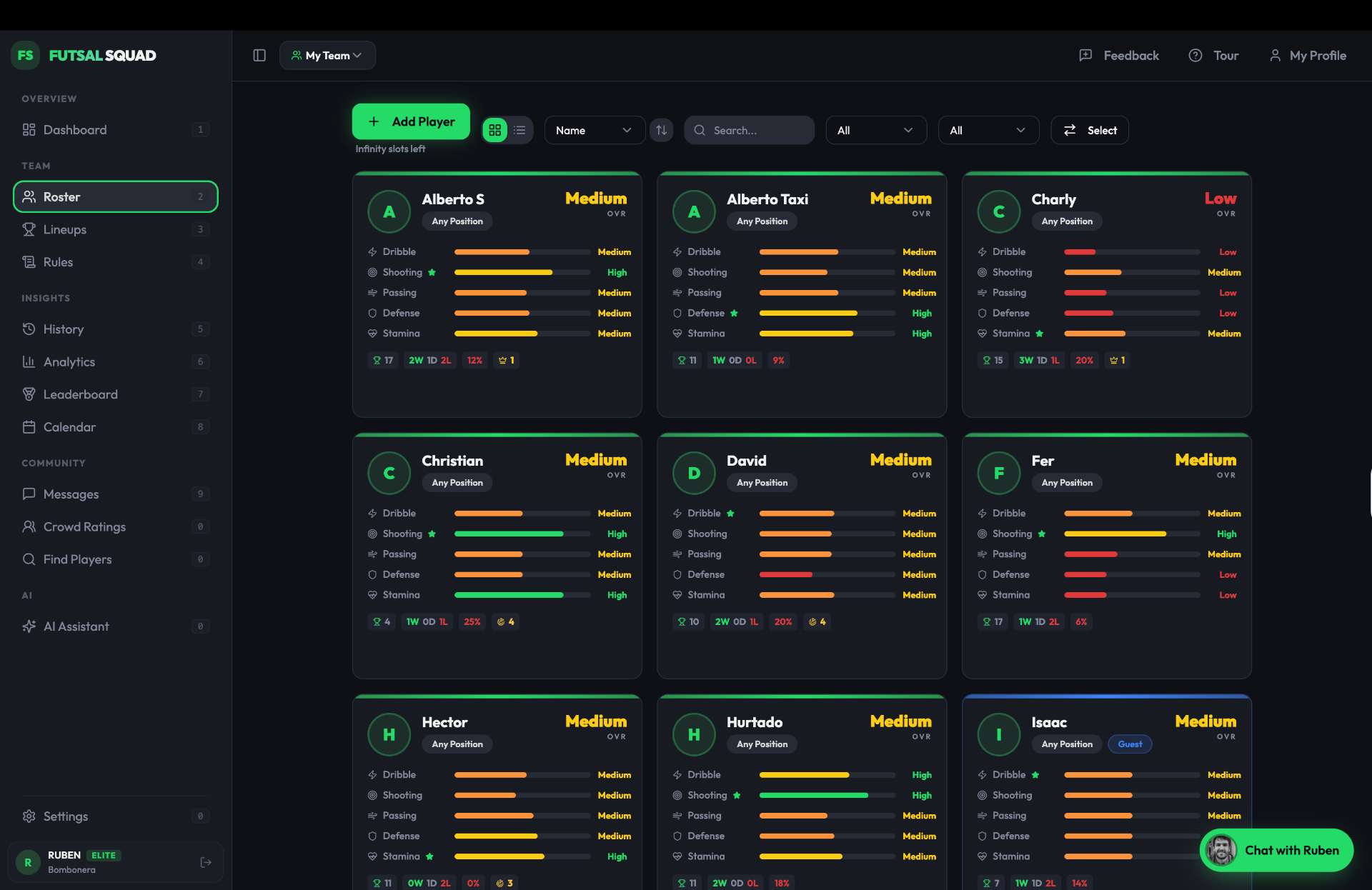
Add a new player or check who is in your group without switching apps.
Match night, organised
Schedule your next game and ask for upcoming matches or group stats.
Balanced teams on the go
Ask for a lineup using your players. Your plan’s lineup limits still apply.
From a message to match day
“Add Pedro as a goalkeeper.”
“Schedule a game for Thursday at 20:00 at the sports hall.”
“Make two balanced teams with my group’s players.”
Connect your account
- 1
Open Settings in Friends and find WhatsApp Assistant.
- 2
Choose your group, then send the linking message shown in your account to our business number.
- 3
Once linked, message your requests from that WhatsApp number.
Frequently asked questions
Is it included in Free?
No. This connection requires a paid Pro or Elite subscription. Your subscription limits continue to apply.
Can I use my existing WhatsApp number?
Yes. Link your number from Settings using the message provided there. This is a private conversation with our business number, not a bot added to your group chat.
Which data can it access?
The assistant works with your linked group. You can choose the group or disconnect WhatsApp in Settings.